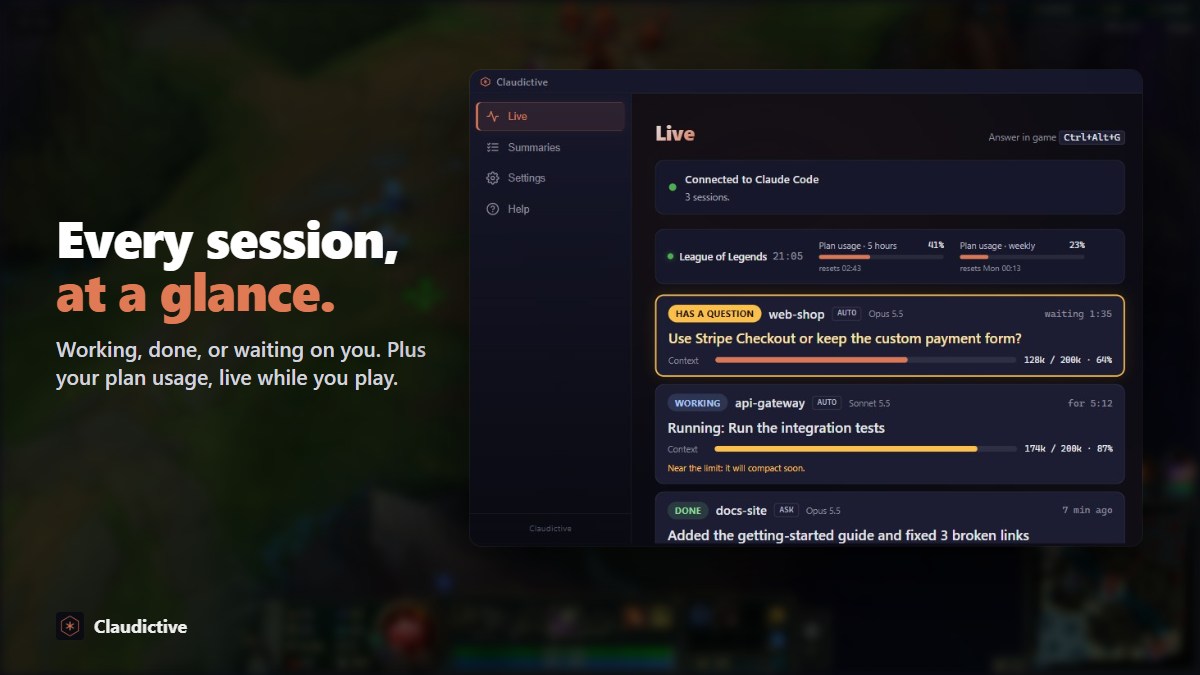
Use Claude Code inside your game, with full control
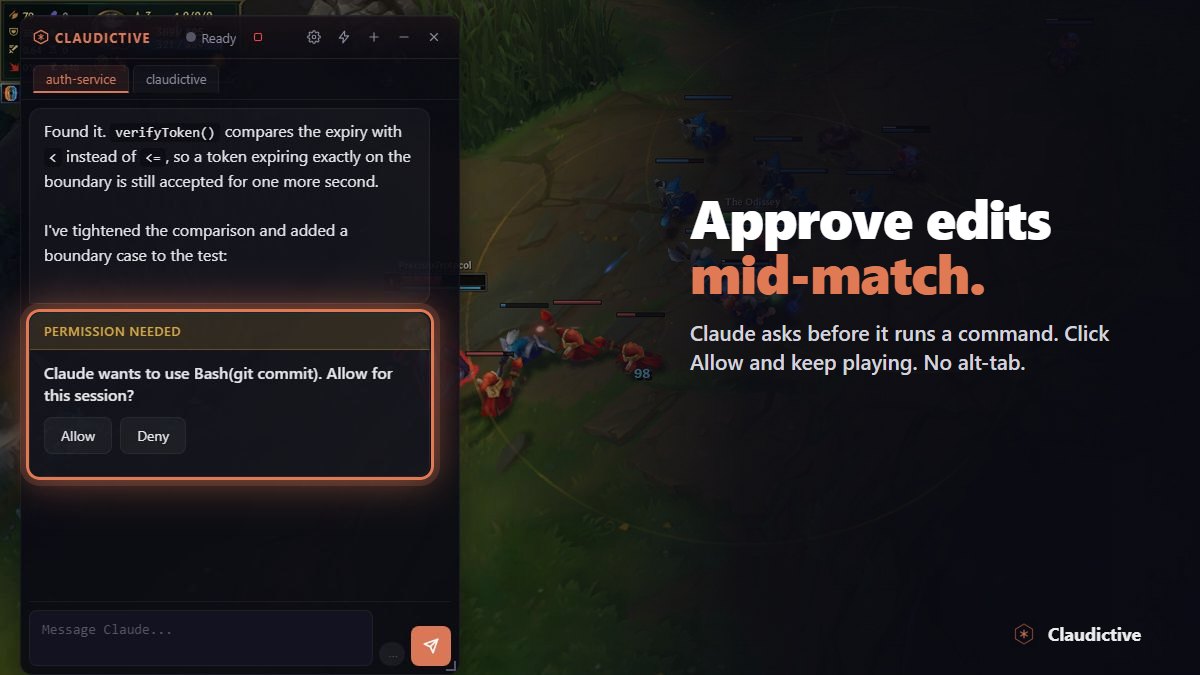
Claudictive puts the Claude Code session you already have running into an in-game overlay. Chat with Claude, answer its questions and approve its requests without stopping the game.
The same session, not a copy
Claudictive does not start a new chat or ask you to sign in again. It attaches to the Claude Code session you already run, whether that is the CLI, the VS Code extension, the JetBrains plugin or the desktop app. Same conversation history, same context, same Claude plan or API key. What you send from the game runs inside that open session, so your terminal shows it live.
Running more than one Claude Code terminal? Each one gets its own tab in the overlay. Switch between them with Ctrl+Alt+← and Ctrl+Alt+→, or pick a session with Ctrl+Alt+↓.
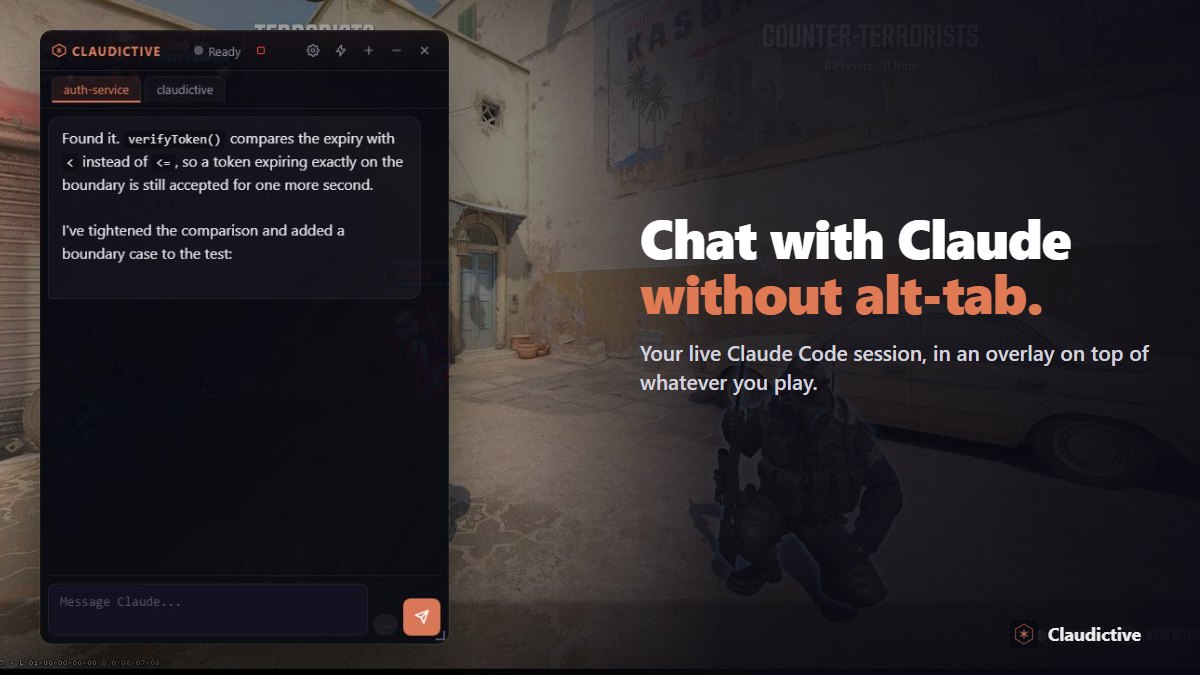
Full control without leaving the game
- Send messages. Press Ctrl+Alt+V to expand the chat, type, and Claude picks it up in the same session.
- Answer questions. When Claude asks which option you want, the question shows up in the game and you answer it there.
- Approve or deny. Commands and file edits wait for you in a compact pill: Ctrl+Alt+A allows, Ctrl+Alt+X denies.
- Stay out of the way. Press Ctrl+Alt+G to show or hide the overlay. Click-through means a stray click lands on the game, not on Claude.
How it works
- Install Claudictive from Overwolf. The free installer sets up the Overwolf client if you do not have it yet.
- Click Connect in the hub. It lists exactly what it writes to
~/.claude/before it writes anything. - Use Claude Code as usual. Ask it to do something with a tool in any terminal, and the hub shows Connected.
- Launch a game. Press Ctrl+Alt+G and your session is there.
When you close the game, your work hands back to your editor. Put the desktop hub on a second screen and you also get a live board with one card per terminal.